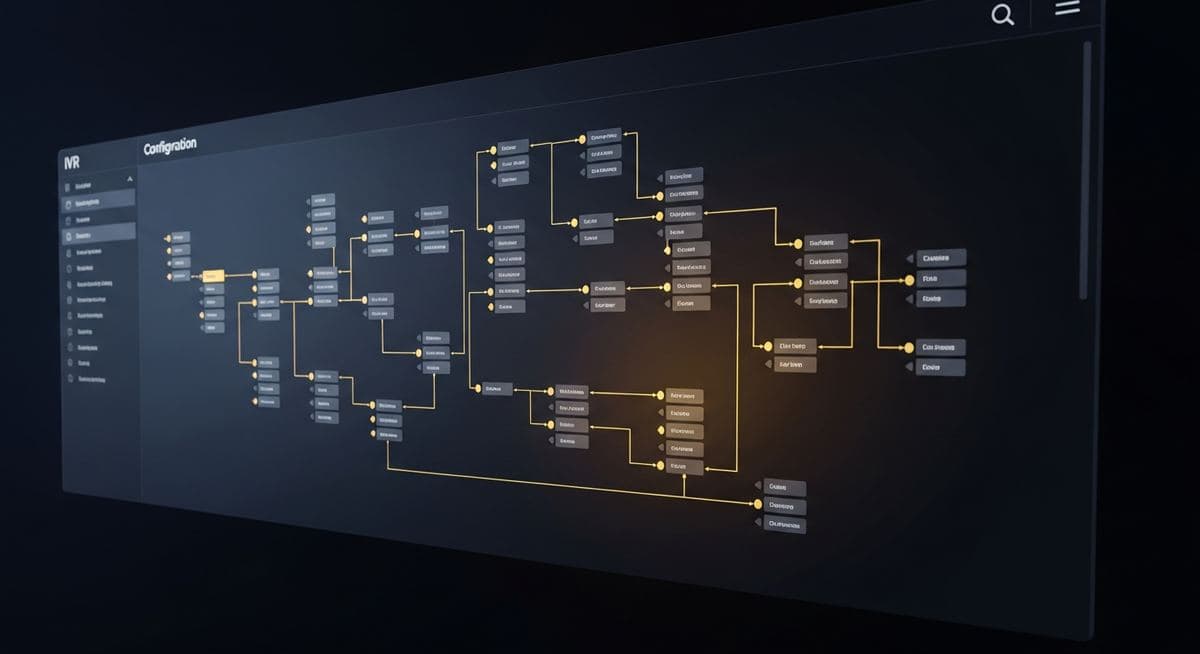
Auto-attendant and IVR setup is one of those configuration projects that looks simple but reveals a lot about how a business actually handles inbound calls. Done well, your auto-attendant routes callers efficiently and reduces frustration. Done poorly, it becomes the thing customers complain about — multi-level menus that take too long to navigate, options that don't reach the person they need, after-hours behavior that's confusing. Here's a practical guide to getting it right.
The Principles That Matter
Before designing menu structure, a few principles to anchor on:
- Shallow menus beat deep menus — every level a caller has to navigate is friction. Three options at the top level usually beats five.
- Plain language beats jargon — "for billing questions" beats "for accounts receivable inquiries"
- Number the options sensibly — frequent destinations get low numbers (1, 2, 3); rarely-used options sit deeper
- Always have a path to a human — "to speak with someone, press 0 or stay on the line" should be an option at every level
- Confirm before transferring — "you've selected billing. Please hold while I connect you." reduces the rage when the wrong option was selected
- Length matters — long greetings (more than 8-10 seconds) lose attention; callers stop listening and start guessing
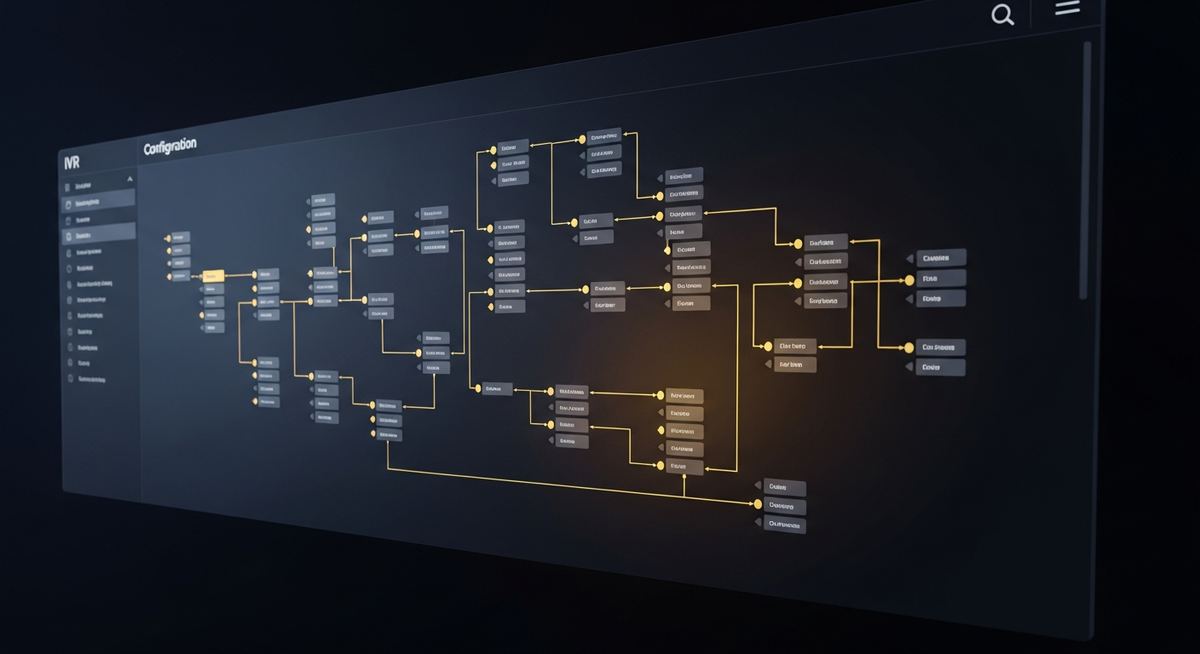
The Standard Menu Pattern That Works
A menu structure that fits most small and mid-market businesses well:
"Thanks for calling [Business Name]. If you know your party's extension, you can dial it now. Press 1 for [most common need]. Press 2 for [second most common need]. Press 3 for [third most common need]. Press 0 or stay on the line for a representative."
That's typically four options plus the direct-extension path and the "press 0 for human" escape. Most callers can find what they need within a single menu level. Businesses that try to add more options usually find that the additional menu depth costs more than it saves.
After-Hours Configuration
After-hours behavior is where most auto-attendants fail callers. The common mistakes:
- Greeting doesn't tell the caller they've reached after-hours service — just lists the same options that during business hours would connect to people
- No clear path to leave a message for follow-up
- Emergency contact information missing for situations where 24/7 response is offered
- Holiday schedules not configured, so calls hit normal business-hours routing on closed days
The right after-hours greeting clearly states the current status ("we're closed for business hours"), offers the caller a path forward (voicemail, urgent contact path, callback request), and includes the next time someone will be available. Holiday schedules need to be configured ahead of time for every recognized closure date.
Hunt Groups and Routing Logic
Once a caller chooses an option, what happens next? Several patterns work depending on the role:
- Single-person routing — direct to one person's extension or mobile; useful for specialized roles
- Sequential hunt — rings the first person, then the second, then the third if no one answers; useful when there's a clear escalation order
- Simultaneous ring — rings everyone at once; first to answer takes the call. Faster but adds noise to multiple desks.
- Skills-based routing — for contact center scenarios where calls should match agent skills
- Round-robin — distributes evenly across a group; useful for queues where fairness matters
The right routing depends on the team's expectations and the call volume. Reviewing what's actually happening — how often calls reach voicemail, what the average answer time is, where calls drop — surfaces routing problems that aren't visible in the configuration itself.
Testing Before Going Live
Test the auto-attendant before turning it on for live calls. Test every menu option, every transfer destination, every after-hours path. Have someone unfamiliar with the configuration call in and try to reach a few specific destinations — they'll find things you missed. After going live, monitor call patterns for the first month and adjust based on what callers actually do. Most auto-attendants need a tuning pass 30-60 days after launch.
If you'd like help designing or tuning your auto-attendant, a conversation with our UC team can review your current setup and identify improvements.
Leonidas is a managed IT services provider, cybersecurity consulting firm, and unified communications consultancy serving businesses across industries. We offer free 30-minute assessments. Contact us or call +1 (888) 790-8777.