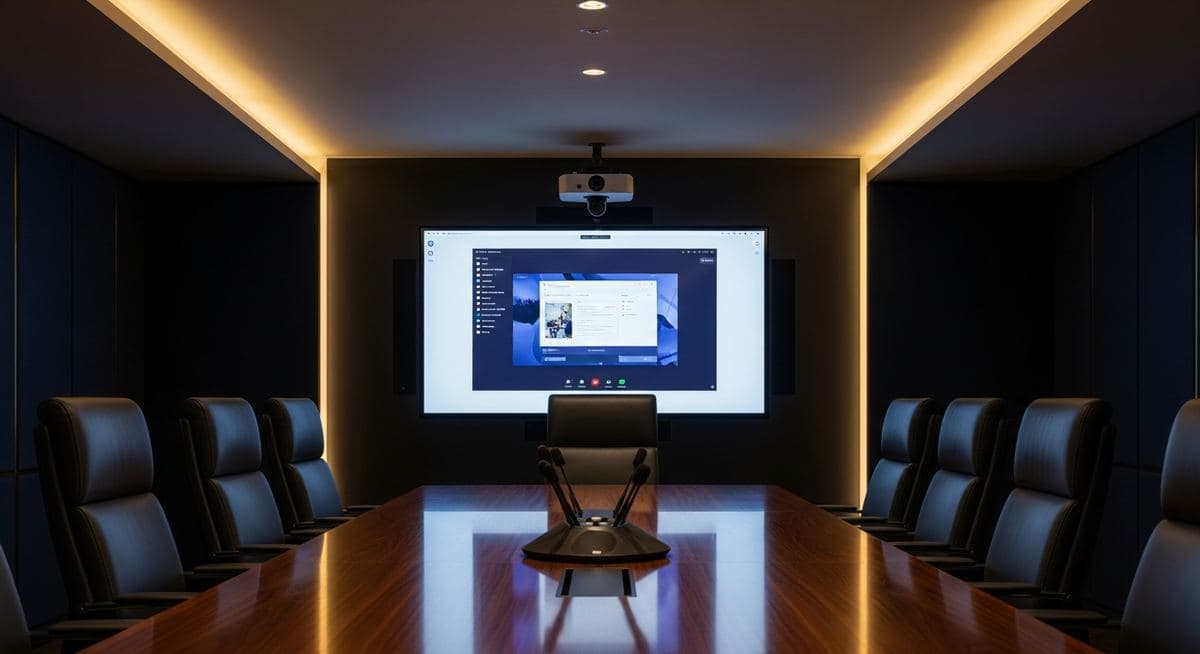
Microsoft Teams Rooms — If your business runs on Microsoft Teams for day-to-day communication, the natural next question is how to extend that experience into your physical conference rooms. Microsoft Teams Rooms (MTR) is the answer — a hardware-and-software platform that turns a conference room into a properly equipped Teams meeting space. But the gap between "we should get Teams Rooms" and "we have Teams Rooms working well" involves hardware decisions, licensing complexity, and deployment details that aren't always obvious upfront.
What Microsoft Teams Rooms Actually Is
Microsoft Teams Rooms is a certified hardware ecosystem running a dedicated Teams client on a Windows or Android compute unit. Unlike a laptop connected to a conference room display, an MTR system is designed from the ground up for room-based video conferencing: it auto-wakes when a meeting starts, displays a calendar of the room's scheduled meetings, and joins Teams calls with one touch.
The system comprises several components: a compute unit (the PC running the Teams Rooms application), a touch console for room control, one or more displays, a camera, and a microphone/speaker system. These components can come as integrated bundles from certified manufacturers — Logitech, Poly, Yealink, Crestron, and others — or as separate components assembled to your room's requirements.
Hardware Options and What Each Room Actually Needs
The right hardware depends on room size and use case:
- Small huddle rooms (2–4 people) — all-in-one bar-style solutions (Logitech Rally Bar Mini, Poly Studio) combine camera, mic, and speaker in one unit. Minimal cabling, quick to deploy, well-suited for small spaces.
- Medium conference rooms (4–8 people) — dedicated camera with wider field of view, tabletop or ceiling microphone array for coverage across the table, and a capable speaker system. Logitech Rally Plus, Poly Studio X, or Yealink are common.
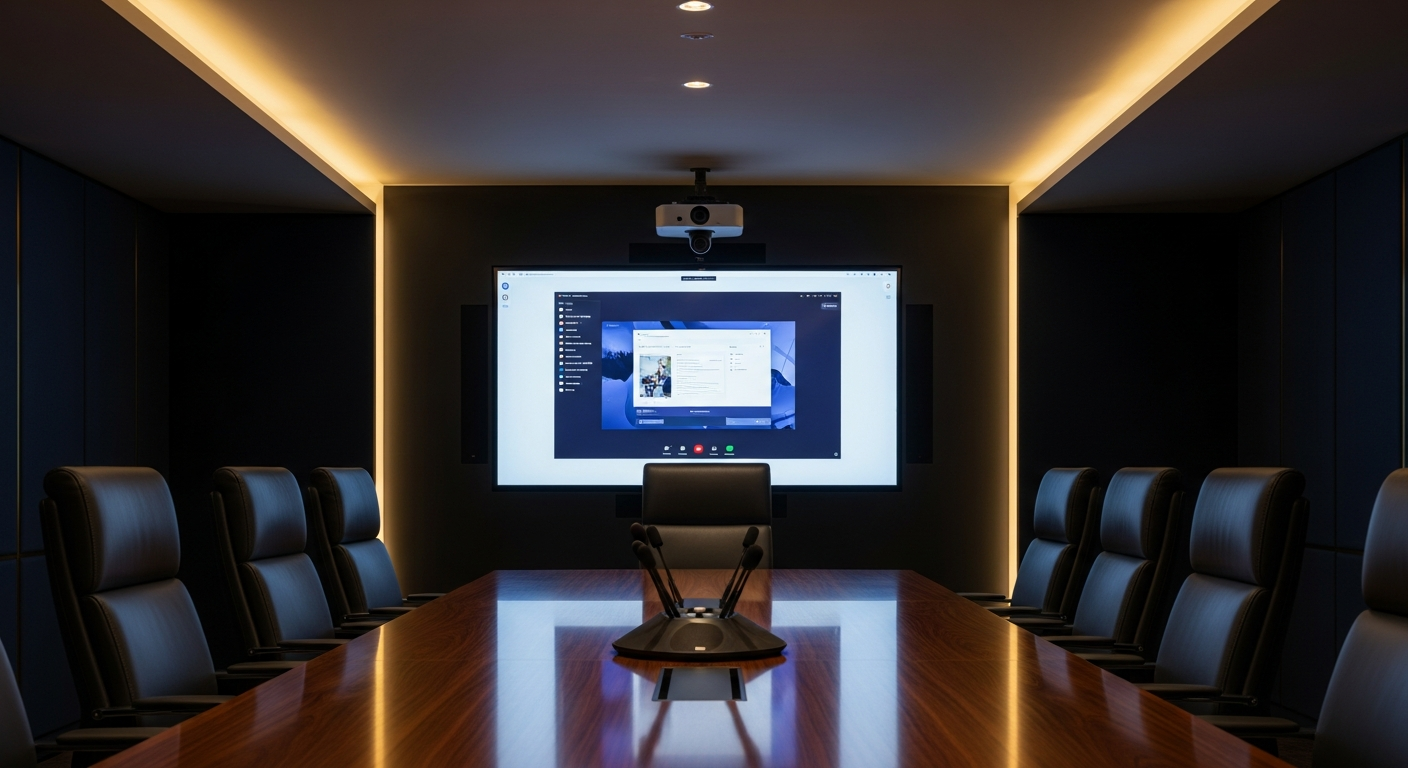
- Large boardrooms (8+ people) — multiple displays, a PTZ (pan-tilt-zoom) camera with speaker tracking, distributed ceiling microphones, and a professional audio system. Higher investment, but necessary for large-room intelligibility.
The most common mistake is under-specifying microphone coverage. A camera that captures everyone in the room is a baseline expectation. A microphone array that picks up audio clearly from every seat — especially the seats farthest from the table center — is what determines whether remote participants actually feel included in the meeting.
The Licensing Reality
Teams Rooms requires a Microsoft Teams Rooms license in addition to any existing Microsoft 365 licenses. The Teams Rooms Basic license is free for up to 25 rooms and covers core meeting functionality. Teams Rooms Pro ($40/room/month) adds intelligent camera features, remote management, advanced analytics, and support for multi-room meeting scenarios.
If your rooms need PSTN calling capability — the ability to dial out to phone numbers directly from the room — you'll need a Phone System add-on or a Calling Plan, similar to the requirements for user accounts. This is frequently overlooked in initial budgeting.
What a Proper Deployment Looks Like
The difference between a Teams Rooms installation that gets used and one that collects dust is deployment quality. That means: rooms enrolled in the Teams Admin Center with proper resource account configuration, network QoS policies ensuring video traffic is prioritized, cable management that doesn't create a tangle of visible wires, and user training so the first few uses don't end in frustration.
At Leonidas, we deploy Teams Rooms as part of our unified communications practice. We handle hardware selection for each room's specific dimensions and use case, licensing configuration, and the network setup that makes video conferencing perform reliably. If you're evaluating a conference room refresh, reach out for a room assessment.
Leonidas is a managed IT services provider, cybersecurity consulting firm, and unified communications consultancy serving businesses across industries. We offer free 30-minute assessments. Contact us or call +1 (888) 790-8777.