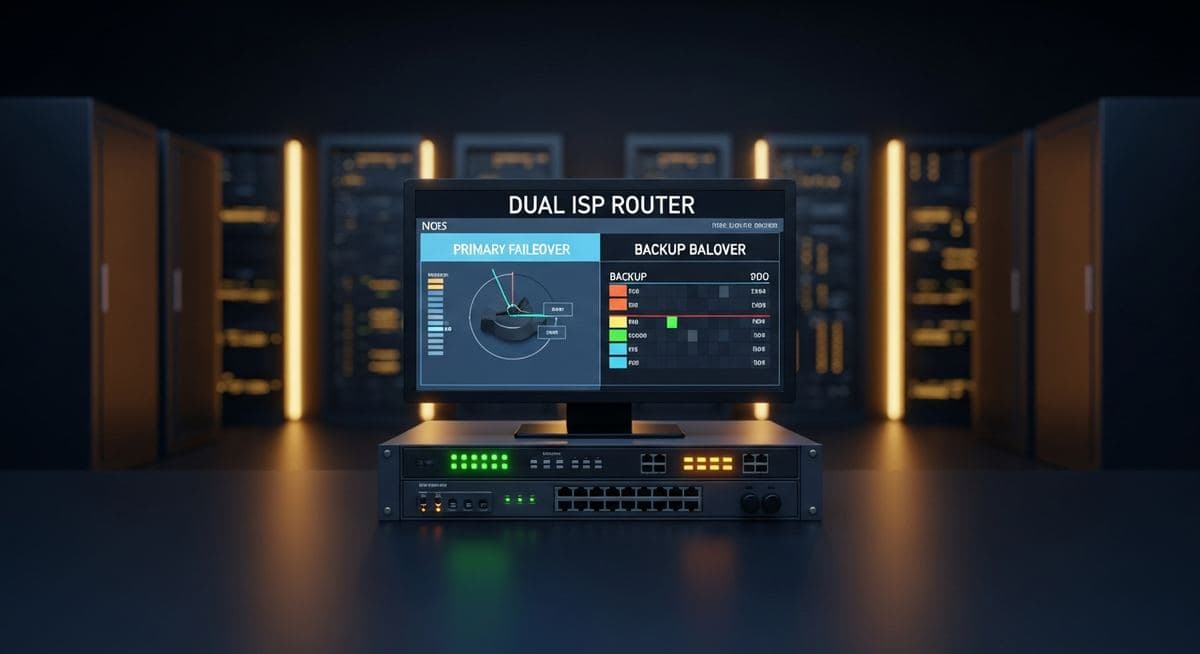
Business Internet Failover — When your internet connection goes down, everything stops. Cloud applications become inaccessible, VoIP calls drop, credit card processing fails, and employees sit idle. For most businesses in 2026, internet outages are operational emergencies — not inconveniences. A proper business internet failover strategy is the difference between a five-minute hiccup and a half-day shutdown.
Why Businesses Still Run a Single Internet Connection
Most small and mid-sized businesses operate on a single internet circuit because that's how they started, and no one ever made the case for changing it. The cost of a second connection seems unnecessary when the primary one "rarely goes down." The problem with that logic: outages don't schedule themselves. They happen during busy periods, during critical deadlines, and during events when downtime is most costly.
Fixed internet infrastructure — fiber, cable, and copper — shares physical vulnerabilities: construction crews cut conduit, weather events damage outside plant, and carrier equipment fails. A second connection from the same carrier over the same physical path offers limited protection against these events. True failover requires diversity: different carrier, different physical path, or different technology entirely.
Failover Options for Business: What Works and What Doesn't
Not all backup connections are created equal. Here's what to know about each option:
- Secondary fiber or cable from a different carrier — the most robust option. Full business speeds, SLA-backed, diverse physical path. Best for organizations where speed and reliability matter equally. Higher cost than other options.
- 4G/5G cellular failover — a dedicated business cellular router (from carriers like Cradlepoint, Peplink, or Digi) provides automatic failover over the cellular network. Widely available, fast to provision, and cost-effective. Speeds vary by location and congestion, but sufficient for most business applications during an outage.
- Fixed wireless — line-of-sight microwave or point-to-point wireless from a local provider. Good speeds, diverse physical path, available in areas where fiber alternatives don't reach. Slightly weather-dependent.
- Starlink Business — low-Earth orbit satellite internet has become a serious option for failover, particularly for businesses in areas with limited terrestrial alternatives. Speeds have improved significantly; latency is acceptable for most applications.
- Consumer cable as backup — inexpensive but not recommended as a primary failover strategy. No SLA, shared bandwidth, and less reliable during area-wide events (the same storm that takes out your fiber takes out the local cable infrastructure too).
How SD-WAN Makes Failover Seamless
Having a backup internet connection is only half the equation. The other half is making the failover invisible to users and applications. Without intelligent traffic management, switching between connections causes dropped VoIP calls, interrupted video conferences, and session timeouts in cloud applications.
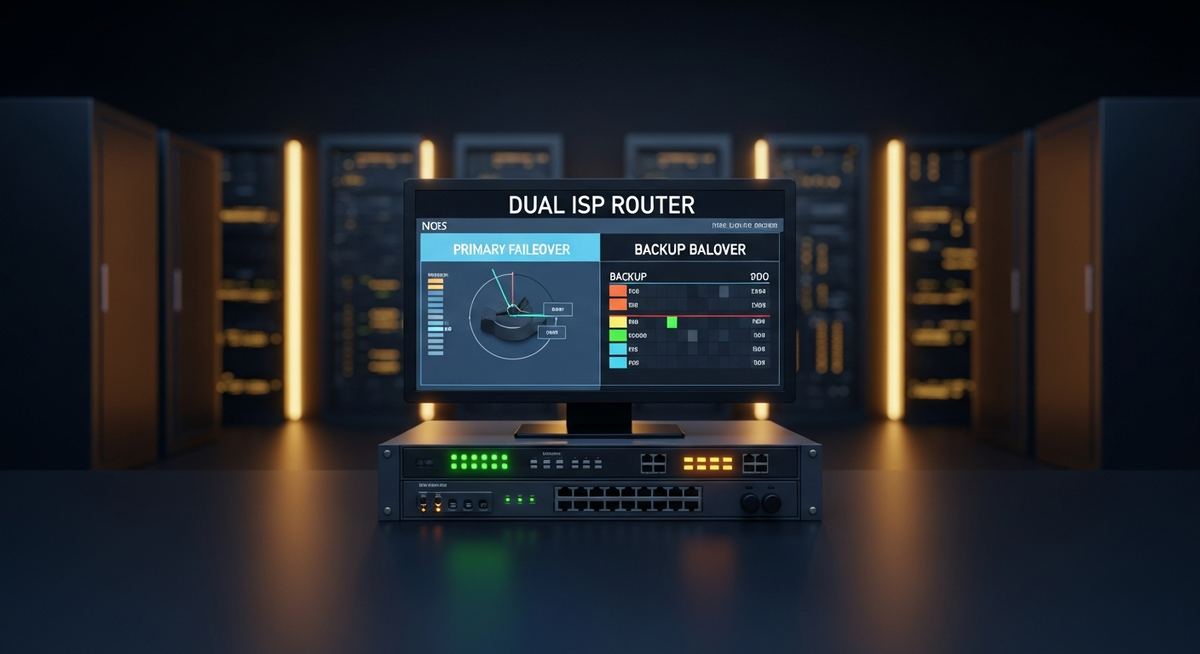
SD-WAN (Software-Defined Wide Area Network) technology manages multiple internet connections simultaneously and makes failover decisions in real time — typically within seconds of detecting a connection failure. Traffic is automatically rerouted to the backup connection without user intervention, dropped calls, or application disruption. For businesses with VoIP, cloud-hosted ERP, or critical web applications, SD-WAN turns an outage event into a transparent automatic reroute.
Most modern SD-WAN platforms also provide active-active configurations, where both connections carry traffic simultaneously under normal conditions. This improves aggregate bandwidth and means failover is instantaneous — there's no detection delay because the backup is already active.
How to Test Your Failover Before You Need It
A failover configuration that hasn't been tested is theoretical. At minimum, test your failover annually — more often if it's business-critical:
- Schedule a maintenance window during low-traffic hours
- Physically disconnect the primary connection at the router or demarc
- Verify that internet connectivity continues on the backup connection
- Test VoIP calls, access cloud applications, and verify no sessions were dropped
- Measure backup connection speeds to confirm they're adequate for business operations
- Reconnect primary and verify traffic resumes correctly
Document your failover test results and compare against your RTO (recovery time objective). If failover takes longer than your operations can tolerate, the configuration needs adjustment.
What a Properly Designed Failover Architecture Looks Like
For most businesses, the right architecture is: primary fiber circuit from your main ISP, SD-WAN router managing both connections, and a 4G/5G cellular backup that activates automatically on primary failure. The cellular connection costs $50–150/month, the SD-WAN device is a one-time hardware cost, and the resulting resilience is substantial.
At Leonidas, we design and manage WAN configurations for businesses across industries. Our vendor relationships across 300+ carriers mean we can source the right primary and backup circuits for your specific location, and our SD-WAN deployments make failover invisible to your team. A free assessment is a good starting point.
Leonidas is a managed IT services provider, cybersecurity consulting firm, and unified communications consultancy serving businesses across industries. We offer free 30-minute assessments. Contact us or call +1 (888) 790-8777.