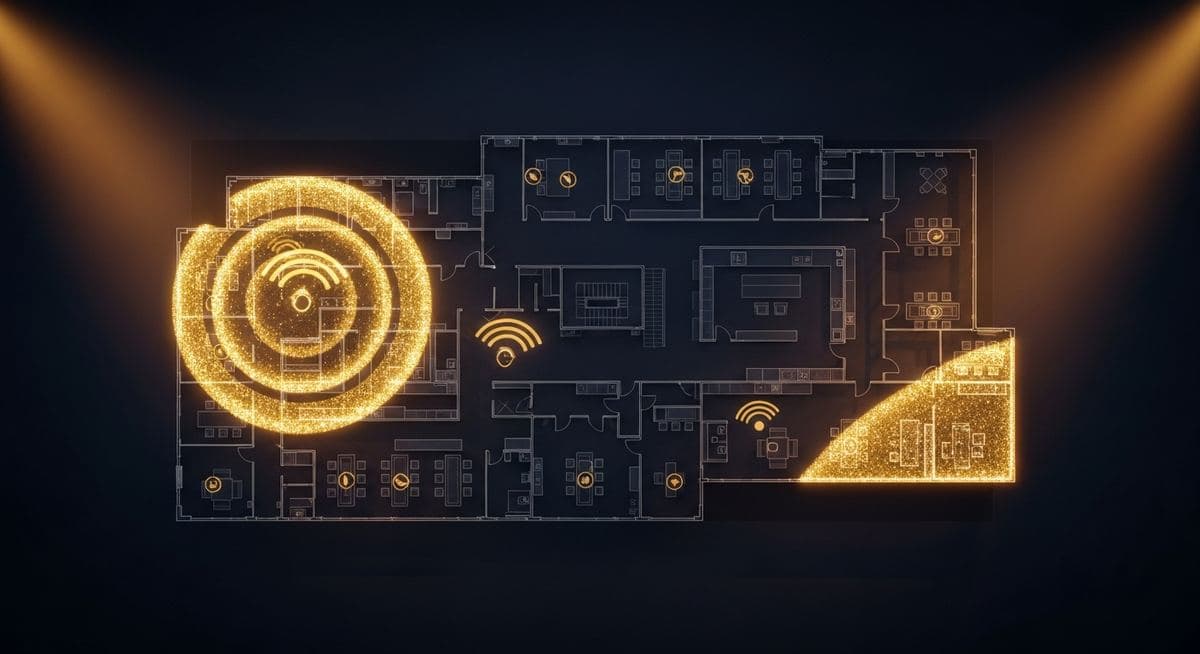
Office wireless network design is one of those areas where "it works" and "it works well" are very different things. Most business Wi-Fi networks were designed by someone hanging access points in the ceiling at roughly equal intervals and calling it done. Then everyone wonders why video calls drop in the conference room, why the corner of the open office gets terrible coverage, and why client device counts make the network slower than it used to be. Here's what good wireless design actually involves and why it matters.
What Bad Wi-Fi Costs
Before walking through what good design looks like, the cost of bad Wi-Fi worth quantifying: video meeting drops that derail productivity (and customer relationships), VoIP softphone calls with audible quality issues that no one knows how to fix, file uploads to cloud services that take 10x longer than they should, employee complaints that everyone has tolerated for so long they've stopped reporting, and visitor experience problems that affect customers and prospects.
None of these show up as outages on a dashboard. They show up as a slow drag on operational quality that compounds over time.
The Three Things Wireless Design Has to Get Right
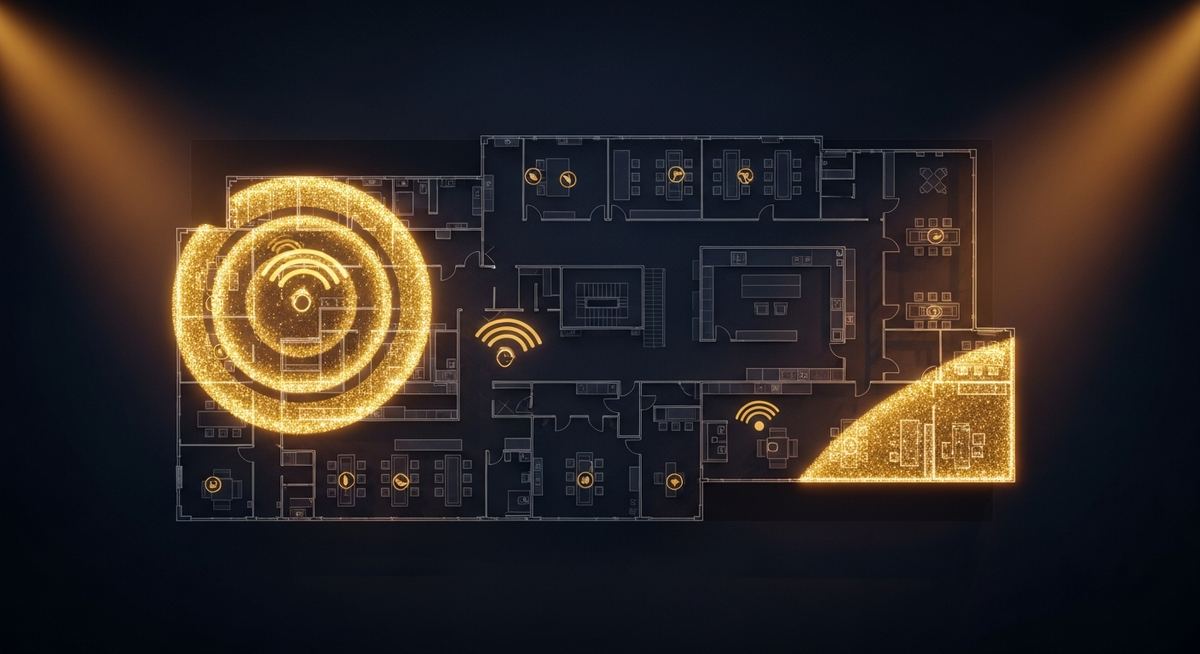
Successful wireless design balances three factors:
Coverage — adequate signal strength everywhere users need to connect. This is what most people think wireless design is about, but it's actually the easiest of the three to solve. Throwing access points at the problem will fix coverage.
Capacity — enough bandwidth and access point density to handle the actual number of clients in dense areas. This is where most office deployments fall short. A conference room with 12 people on video calls needs different capacity than a hallway with occasional foot traffic, but most networks treat them identically.
Interference management — RF planning that avoids access points stepping on each other's channels. A network with great signal everywhere but constant co-channel interference performs worse than a thinner network designed properly.
What a Real Design Process Looks Like
Effective wireless design at a business location follows a sequence:
- Site survey — measure existing RF conditions, identify obstacles (walls, glass, metal infrastructure), map the building's actual layout
- Requirements gathering — what applications run on Wi-Fi (voice/video heavy or just web), expected client density per area, special-purpose areas (conference rooms, warehouse, outdoor spaces)
- Predictive modeling — use the survey and requirements to model access point placement, channel assignment, and expected coverage
- Hardware selection — match access point model to expected client density and application requirements
- Installation and validation — install per the design, then validate performance against the predicted model
- Ongoing optimization — Wi-Fi isn't static; usage patterns change, neighboring networks change, periodic tuning maintains performance
The "design" step is what most office Wi-Fi deployments skip. Without it, performance is a result of luck rather than engineering.
The Things That Sabotage Office Wi-Fi
Specific issues we find repeatedly in poorly-designed office Wi-Fi:
- Consumer-grade access points — designed for home use, not for handling 30+ simultaneous business clients
- Channel overlap — access points on adjacent channels stepping on each other's transmissions
- Wrong band assignments — clients defaulting to crowded 2.4 GHz when 5 GHz or 6 GHz would work better
- Insufficient backhaul — access points on 100 Mbps switch ports limiting their effective throughput
- Mixed-generation deployments — modern access points operating in compatibility modes with old clients dragging down performance
- Poor PoE budgeting — access points throttling because the switch can't deliver adequate power
- Configuration left at defaults — channel widths, transmit power, and band steering all unconfigured
What Investment Looks Like
For a typical small office (5,000-15,000 sq ft), a properly designed Wi-Fi deployment runs $5,000-25,000 depending on coverage area, density requirements, and access point tier. For mid-market deployments, that scales with size. The cost relative to the productivity recovered is usually attractive — the operational drag of bad Wi-Fi compounds across every employee every day.
If you're scoping a Wi-Fi upgrade or refresh, a conversation with our team can map what a proper design and deployment looks like for your specific space.
Leonidas is a managed IT services provider, cybersecurity consulting firm, and unified communications consultancy serving businesses across industries. We offer free 30-minute assessments. Contact us or call +1 (888) 790-8777.