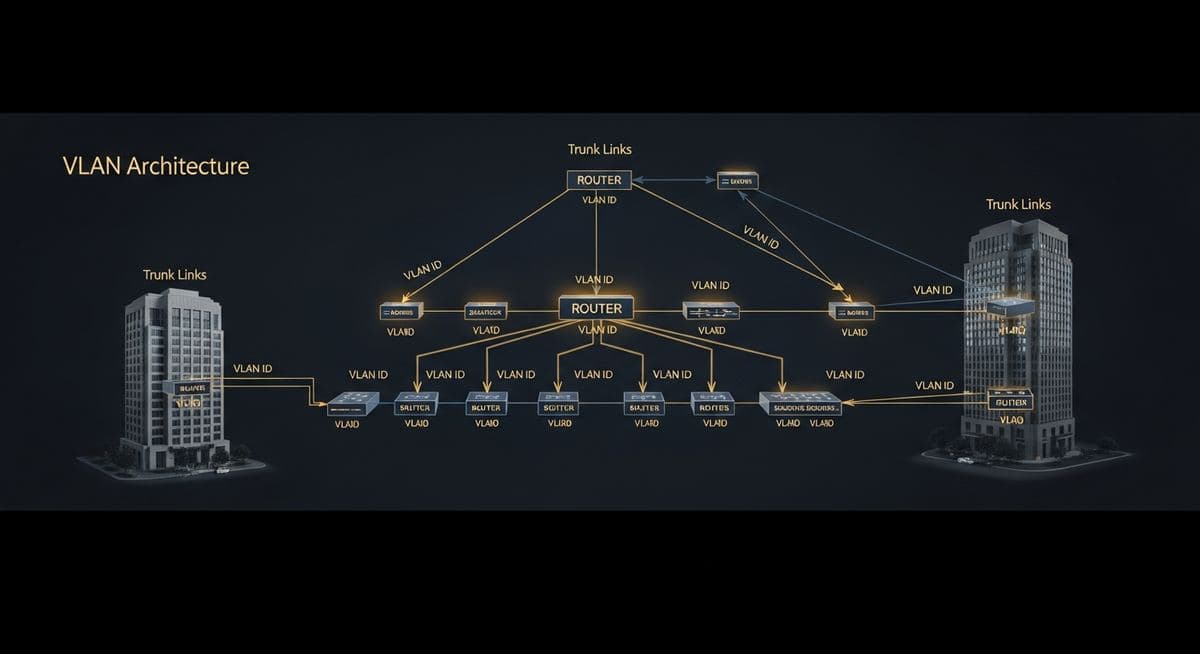
VLAN design for business networks is one of those topics that sits at the intersection of "should be simple" and "frequently isn't." VLANs (Virtual Local Area Networks) divide a physical switch infrastructure into multiple logical networks, providing segmentation without requiring separate physical wiring. Done well, they're a foundational network security control. Done poorly, they create complexity without security benefit. Here's a practical guide to VLAN design that produces useful segmentation without unnecessary complexity.
What VLANs Are For (and Aren't)
VLANs solve two specific problems: they isolate broadcast domains (reducing broadcast traffic load and limiting the scope of certain attacks), and they enable traffic policy enforcement (since traffic between VLANs has to pass through a routing device that can apply rules).
What VLANs aren't: a substitute for actual firewall rules between segments. A VLAN that's freely routed to other VLANs without firewall enforcement provides minimal security benefit beyond broadcast scoping. The security value of VLANs depends on what you do at the inter-VLAN routing layer.
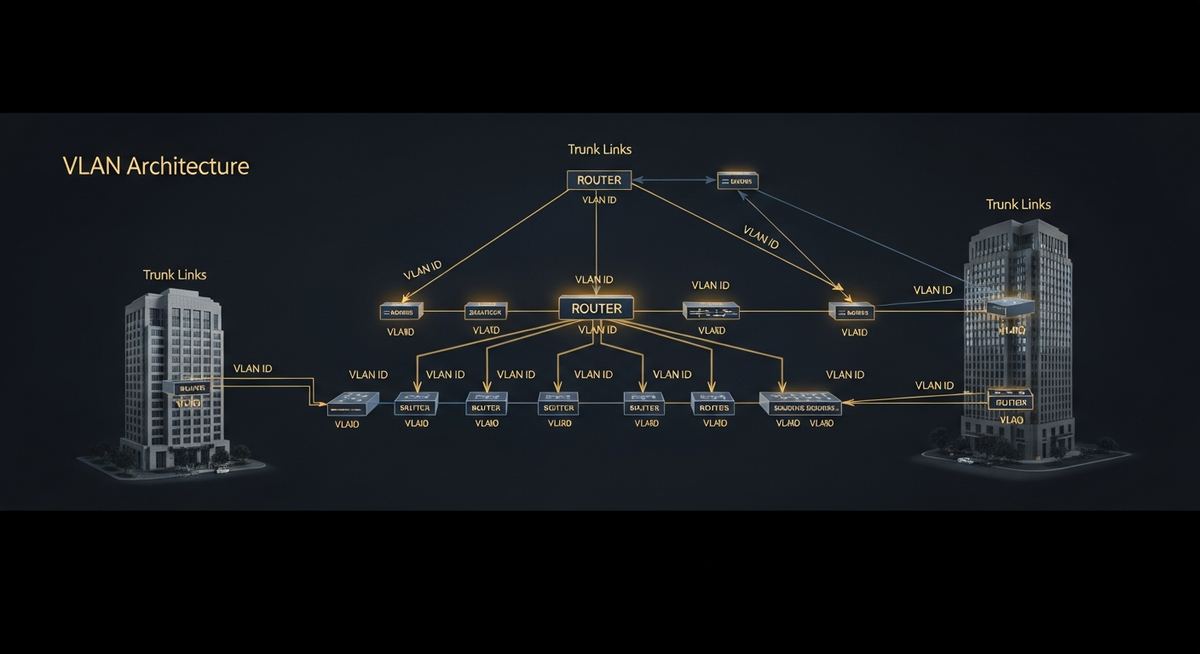
The VLAN Design That Works for Most SMBs
A practical VLAN layout for a small or mid-market business:
- VLAN 10 — Management — admin interfaces for switches, firewalls, hypervisors, storage. Very restrictive access controls.
- VLAN 20 — Servers — on-premises servers, NAS, infrastructure. Specific access from user VLAN only to required services.
- VLAN 30 — Users — employee desktops, laptops, BYOD via NAC. Access to servers via specific application paths.
- VLAN 40 — Voice — IP phones, VoIP infrastructure. Isolated for QoS and security.
- VLAN 50 — IoT/OT — printers, cameras, badge readers, building automation. Internet access where needed; no access to user or server networks.
- VLAN 60 — Guest — visitor and contractor devices. Internet access only; no internal access.
- VLAN 70 — Wireless corporate — managed wireless clients. Treated similarly to wired user network.
- VLAN 80 — DMZ — internet-exposed services if any (web servers, public-facing applications). Tightly controlled.
This is a reasonable starting structure. Specific businesses may need additions (separate VLANs for specific applications, departments with strict isolation needs, special-purpose equipment).
The Inter-VLAN Policy
The VLAN structure is only as useful as the policy applied between VLANs. Default-deny between VLANs is the right starting point. From there, explicit allow rules for legitimate traffic patterns:
- Users to Servers — specific application ports only (HTTPS, RDP to specific hosts, SMB to file servers, etc.)
- Voice to Internet — outbound to SIP provider
- IoT to Internet — outbound only, no inbound; restricted destinations for known device behaviors
- Management — accessible only from specific jump hosts or admin workstations
- Guest — internet only, blocked from all internal VLANs
- DMZ to internal — minimal, specific application calls only
Every allow rule should be documented with intent. "Allow VLAN30 to VLAN20 port 443" is a rule; "Allow VLAN30 to VLAN20 port 443 — user access to internal CRM web interface" is a documented rule. The latter is auditable; the former isn't.
Common VLAN Design Mistakes
What we see going wrong in existing VLAN deployments:
- Too many VLANs without operational discipline — businesses with 15+ VLANs and no documentation produce complexity without security benefit
- VLAN hopping risks ignored — switches configured insecurely allowing devices to access untagged VLANs
- Native VLAN used for traffic — best practice is to reserve native VLAN for management and not pass traffic on it
- Permissive inter-VLAN routing — VLANs created but everyone can talk to everyone, providing only broadcast segmentation
- Inconsistent VLAN deployment across switches — VLAN 30 means one thing in some switches and another thing in others
- No documentation — VLAN structure exists in someone's head, not in any maintained document
How to Get Started
For businesses with currently-flat networks, the migration to a segmented VLAN architecture works best as a phased project. Start with the lowest-disruption changes (management VLAN isolation, guest network), proceed through the moderately-disruptive ones (IoT, voice), and conclude with the highest-disruption changes (user/server segmentation). Each phase delivers value independently and tests the design before broader rollout.
If you're scoping a VLAN design or modernization project, a conversation with our team can map the work for your specific environment.
Leonidas is a managed IT services provider, cybersecurity consulting firm, and unified communications consultancy serving businesses across industries. We offer free 30-minute assessments. Contact us or call +1 (888) 790-8777.